The Best Two-Player Games for One PC: Local Co-op & Split Screen Guide
Discover the ultimate list of the best two-player games you can enjoy on a single PC, featuring local co-op and split screen options. Learn the differences between split screen and shared screen play, and find top recommendations by genre, play style, and setup tips for controllers and keyboards.

Best two-player games on one PC, featuring split screen and local co-op, let you enjoy full cooperative gameplay without needing a second computer or separate game copy. Some titles divide the monitor so each player controls their character independently; in others, both heroes share the same screen.
This format is especially convenient for playing with a friend, partner, or family member: just connect one or two gamepads and pick a game that supports local multiplayer. In this guide, we'll review top games with Split Screen and local co-op, and show which options are best for story-driven play, competition, relaxed sessions, and quick game nights.
Split Screen vs. Local Co-op: What's the Difference?
The terms Split Screen and local co-op are often used interchangeably, but technically they're different ways to play together.
Split Screen means the display is divided into independent areas. For example, when playing together, the screen might split vertically or horizontally: one player sees through their character's eyes, the other through theirs. This allows players to be in different parts of a level and act independently.
This approach is common in racing, adventure, and 3D games. The main advantage is the freedom of movement. The downside: each person only gets part of the monitor, so on a small screen, the interface and world may appear tiny.
Local co-op on a shared screen works differently. Both players see the same area at once. Characters usually can't stray far apart, or the camera automatically zooms to keep everyone in view.
This setup is typical for platformers, beat 'em ups, fighting, and arcade games. It doesn't shrink the useful screen area and works well for playing together on one monitor or TV.
Some games blur the line: they may share a screen in some scenes and split it when characters separate. Stores like Steam may label these as Shared/Split Screen.
For players, the key is both modes allow for two people on one computer. We'll divide our picks by how the screen is organized, starting with full-featured Split Screen games.
Best Split Screen Games for Two Players on One PC
Split Screen is especially handy in games where each player needs a separate camera and the ability to explore independently. The monitor is divided, so both can do their own thing in the same session.
It Takes Two
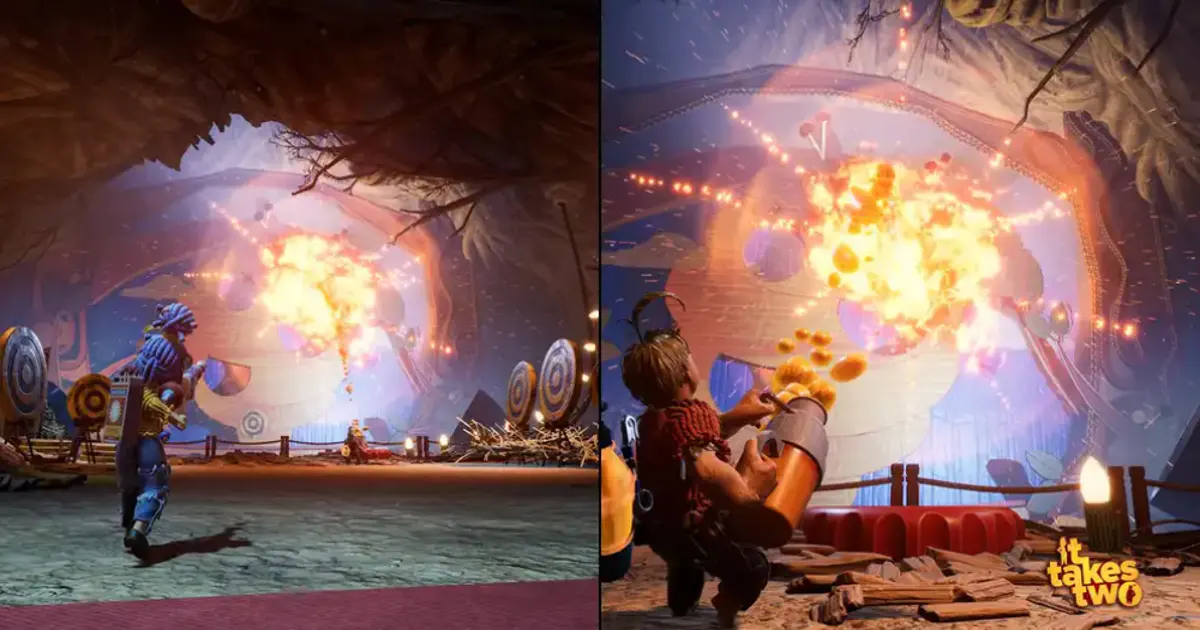
It Takes Two is a standout example built entirely around two-player cooperation. There's essentially no single-player mode-every mechanic relies on both characters interacting.
You control Cody and May as they travel through ever-changing levels. Some abilities are unique to each, so many puzzles and fights require coordination.
In local play, the screen splits, letting each player move freely and view the action from their own perspective. This is crucial in platforming segments and scenes where both must act simultaneously.
It Takes Two is ideal for couples or friends looking for a rich story-driven campaign, not just a set of co-op levels.
A Way Out
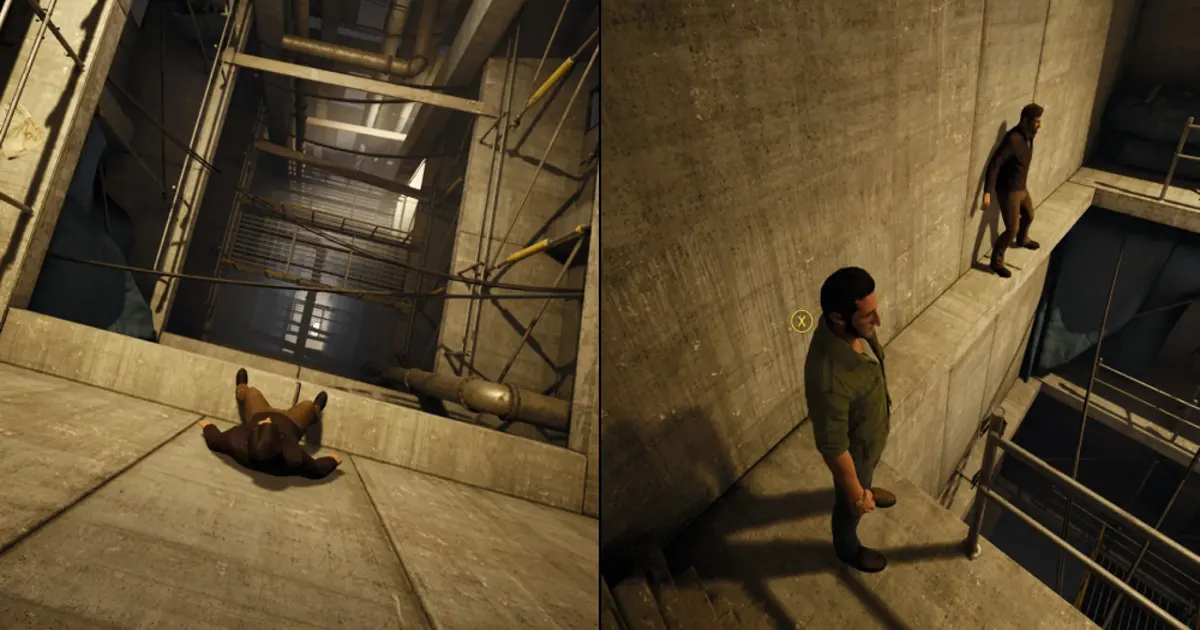
A Way Out, from Hazelight Studios, puts more focus on cinematic storytelling. Players control Leo and Vincent, two inmates trying to escape prison and deal with the aftermath.
Split screen is integrated into the direction itself. While one character talks to NPCs or advances the plot, the other can freely roam elsewhere.
Sometimes one half of the screen grows to highlight a key scene, making screen division part of the narrative.
Designed for two players, it's perfect for those wanting a compact story without complex RPG mechanics.
Baldur's Gate 3
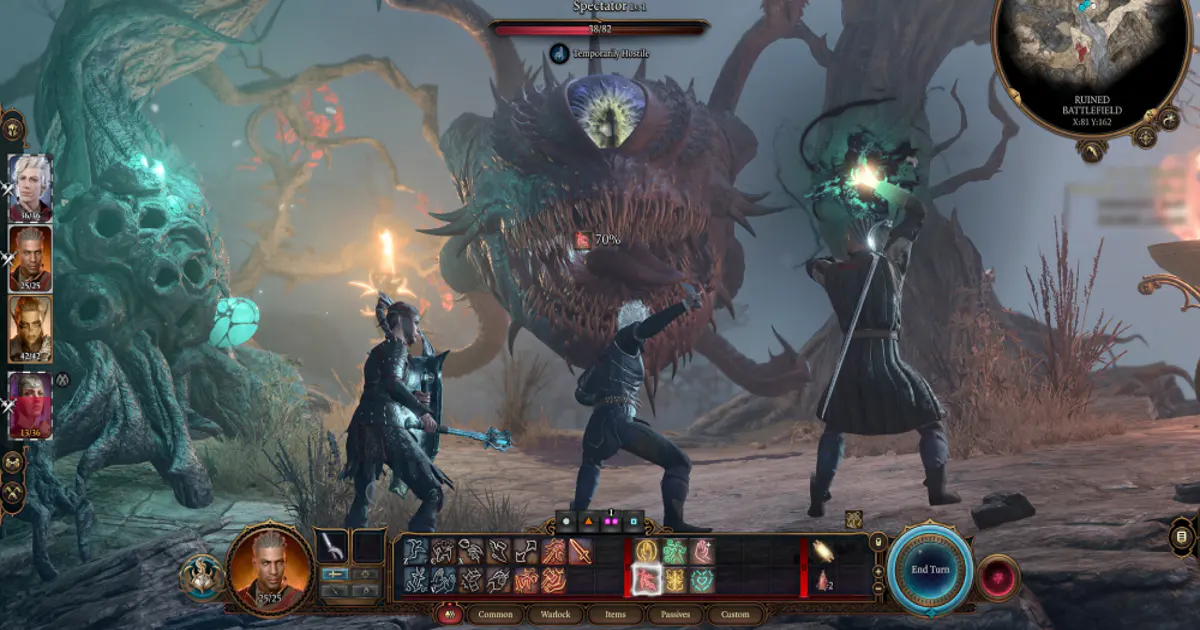
Baldur's Gate 3 offers a totally different scale: a massive RPG with world exploration, turn-based combat, dialogue, and branching choices.
In local play, two people can control their own characters and explore independently. When the heroes split up, the screen divides so each player can do their own thing.
One might talk to a merchant while the other explores or preps for battle. This freedom is rare in co-op games where both must stay together.
Baldur's Gate 3 is best for those wanting a long-term adventure, not just a few evenings. Due to the interface and text, a large monitor or TV is recommended.
LEGO Star Wars: The Skywalker Saga
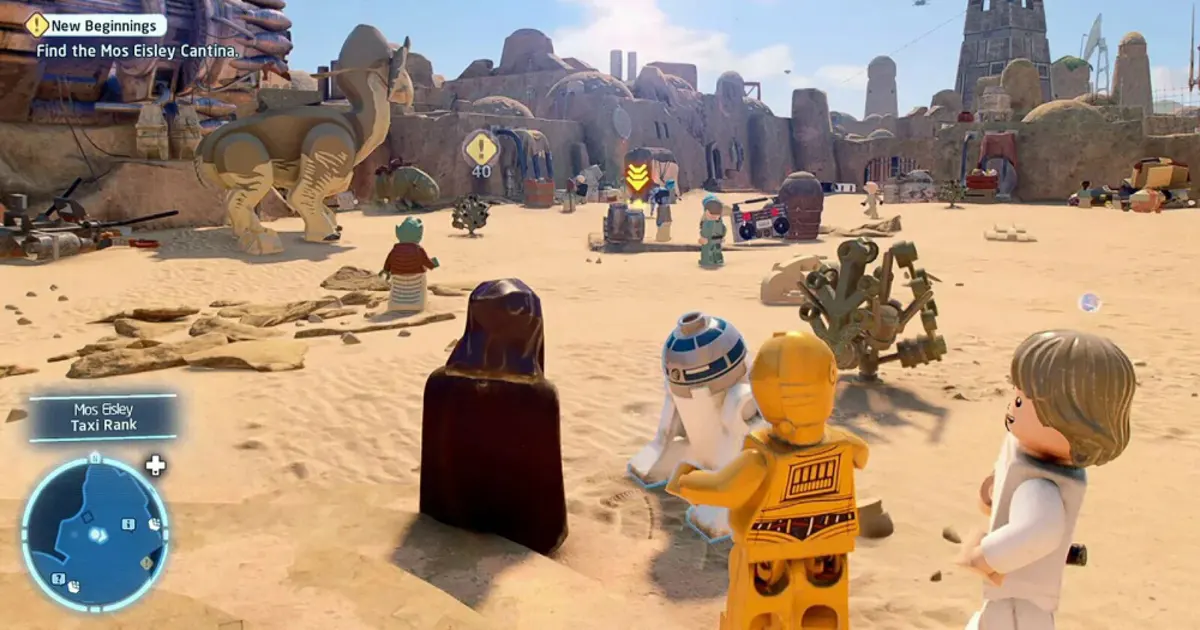
LEGO Star Wars: The Skywalker Saga is a simpler, family-friendly co-op choice. Covering all nine main Star Wars movies, it lets you switch between a huge cast.
Players explore, battle, solve puzzles, and collect items. The low difficulty makes it easy even for newcomers.
Screen splitting allows players to wander apart and handle different tasks. Most mechanics don't require perfect coordination, so it's never stressful.
It's great for playing with kids, partners, or friends who want a light adventure with no tough progression or harsh penalties.
Stardew Valley
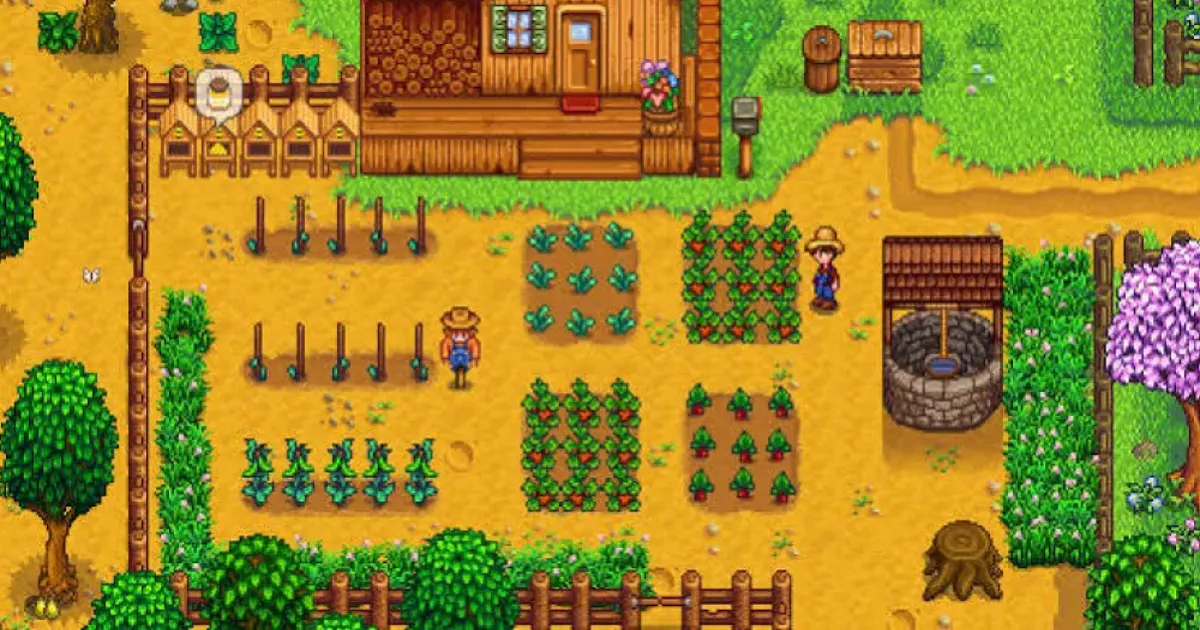
At first glance, Stardew Valley doesn't look like a typical Split Screen game. There's no frantic chase or 3D action-players build a farm, grow crops, gather resources, fish, and explore.
In local mode, each gets their own character and can focus on different activities. While one tends crops, the other might go to the mines, fish, or visit town.
This independence makes split screen especially useful. You don't have to follow your partner everywhere-players divide duties and meet when needed.
Stardew Valley suits those seeking a relaxed two-player game with no constant competition or fast reactions required.
Human: Fall Flat
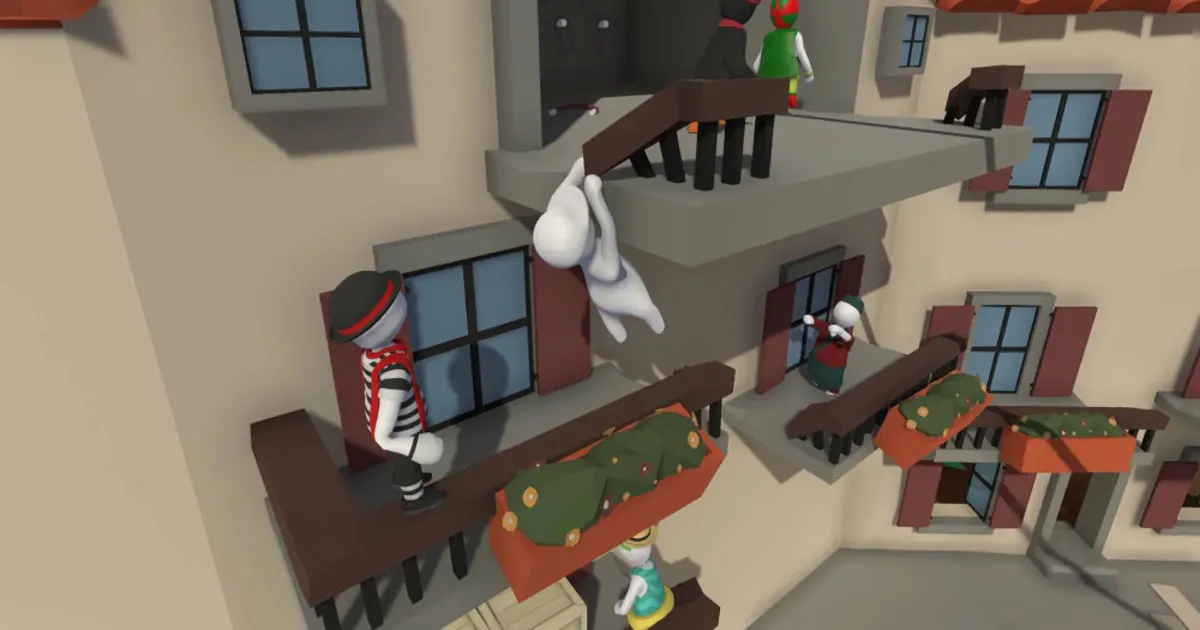
Human: Fall Flat is built around physics and intentionally clumsy controls. Players climb, move objects, activate mechanisms, and find odd ways to reach new areas.
Most puzzles have multiple solutions, and the physics create unexpected moments. Much of the fun comes from experimenting together, not just "winning."
Local mode lets you play levels together with split screen, exploring and experimenting independently.
It's especially fun for groups who value laughter and improvisation over serious storylines.
DIRT 5

DIRT 5 stands out as a racing game where Split Screen enables direct competition on the same track.
Each player gets their own part of the screen and controls their car independently. Local mode supports multiple controllers, so you can race without a second PC.
The big advantage: cars can be in totally different parts of the track, but both have their own camera view.
DIRT 5 is perfect for those who want to compete rather than cooperate, and for short sessions-run a few races without a long campaign.
Best Two-Player Shared Screen Games
Not all local co-op needs Split Screen. In many games, both characters share one camera, so the monitor isn't divided. This works well for platformers, arcades, beat 'em ups, and games where players usually stick together.
Overcooked! 2
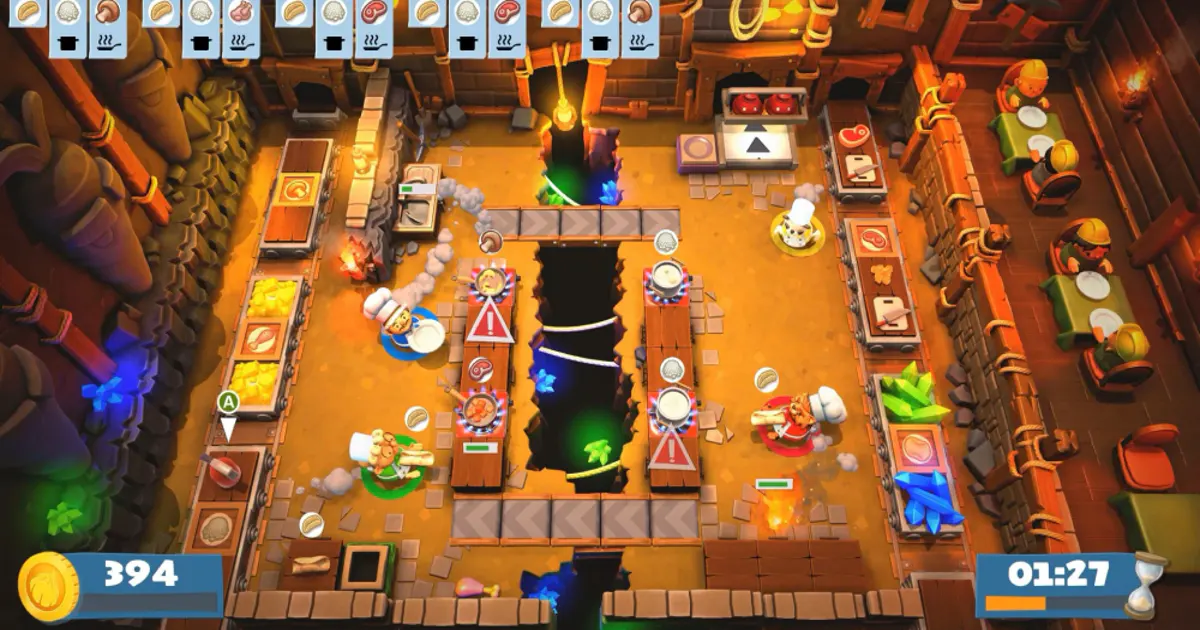
Overcooked! 2 is a classic local co-op hit. Players run a kitchen together: chopping, cooking, washing dishes, and trying to deliver orders on time.
Levels constantly throw obstacles-moving platforms, blocked paths, split kitchens-making coordination essential. Without teamwork, things quickly devolve into chaos.
Overcooked! 2 is ideal for short sessions and groups that value fun and shared blunders over a serious story.
Cuphead
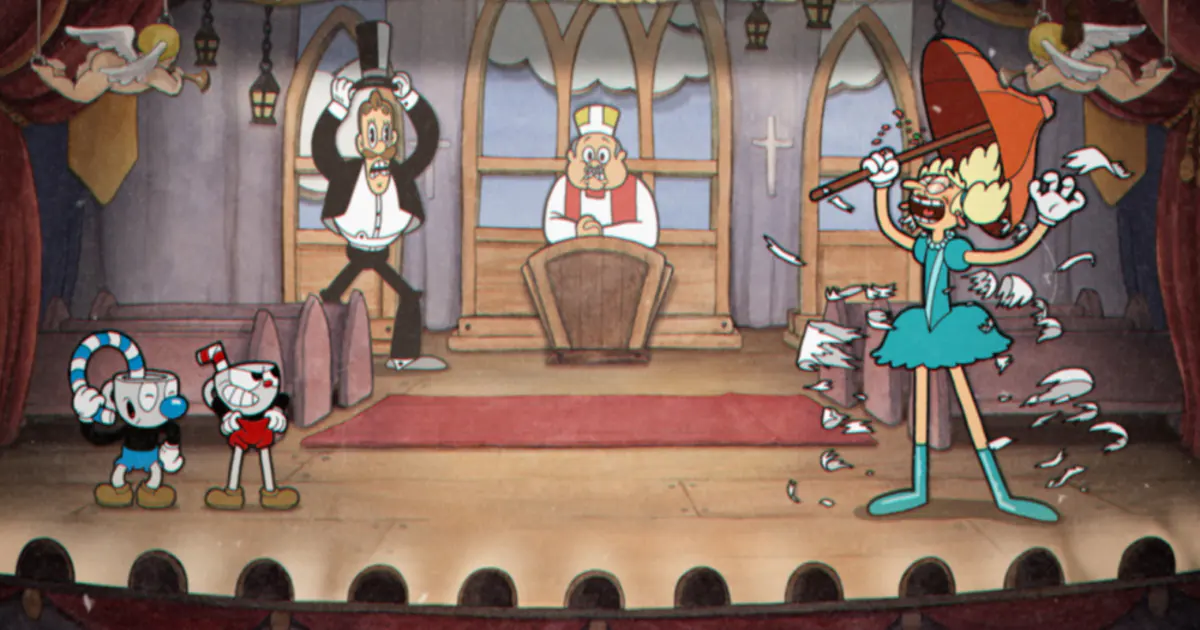
Cuphead is a tough 2D action game focused on boss battles, tight reactions, and memorizing enemy attacks. In local co-op, the second player joins as Mugman, and both tackle levels together.
It's a shared screen, so both see the same scene and must coordinate positions-especially during chaotic fights packed with projectiles.
Co-op slightly eases the challenge: if one dies, the other can sometimes revive them by touching their ghost.
Cuphead suits players ready to repeat bosses and gradually master them together.
Unravel Two
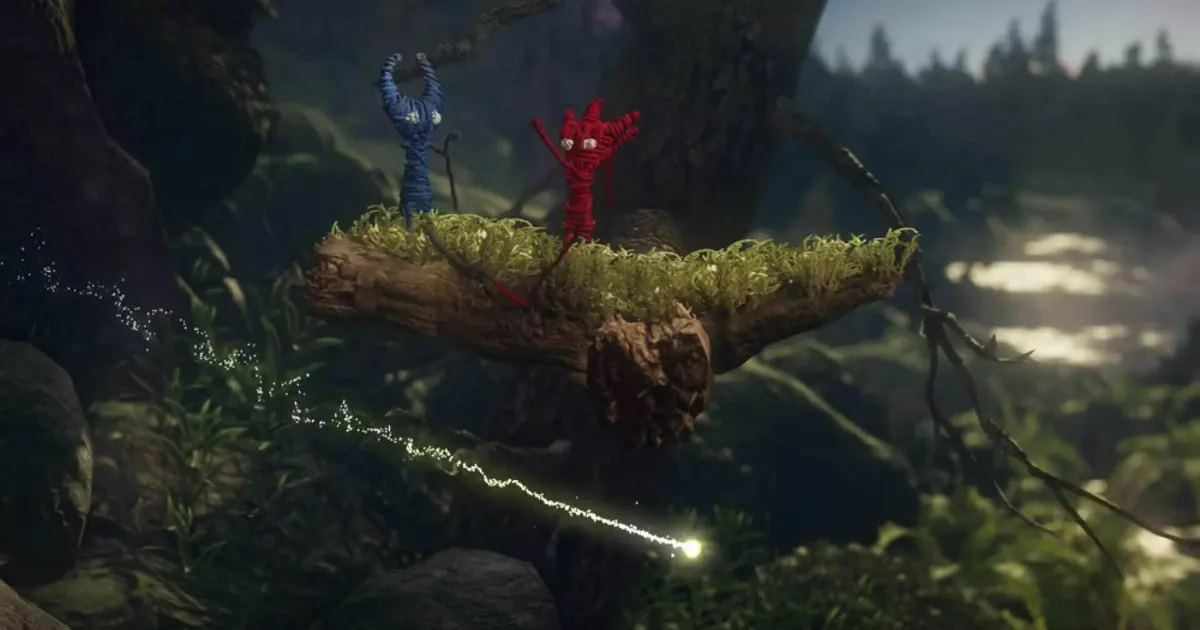
Unravel Two is a gentle co-op platformer starring two little creatures made of yarn. They're tied together, which both limits their distance and creates unique mechanics.
Players swing, climb, and solve puzzles that require teamwork-some obstacles can't be overcome without dividing tasks.
It's easy to pick up, even for those new to gaming, and encourages real cooperation: one often supports or creates a path for the other.
Unravel Two is perfect for those who want relaxed, collaborative play without score-chasing or harsh penalties.
Rayman Legends
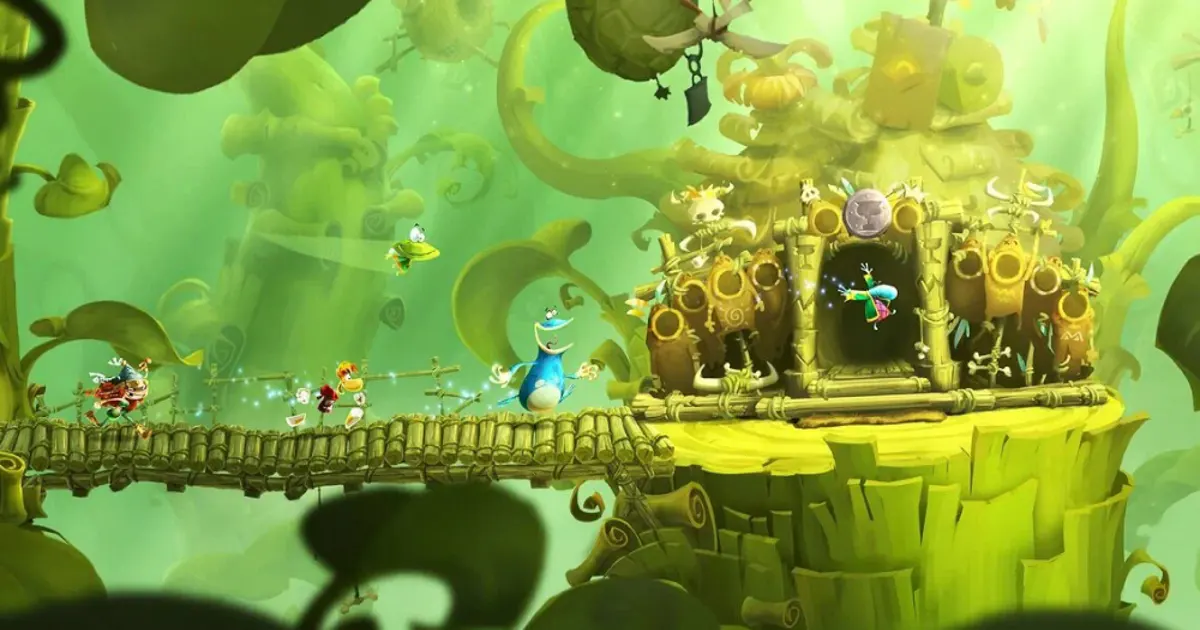
Rayman Legends is a fast-paced platformer with built-in local co-op. Players jump, fight, rescue characters, and hunt for secrets together.
The shared screen keeps everyone moving at a similar pace; lagging behind can leave you off-camera, so you have to watch each other.
The co-op shines on musical levels, where moves sync with the rhythm.
Rayman Legends is great for both quick sessions and full co-op campaigns, thanks to its accessible learning curve.
Teenage Mutant Ninja Turtles: Shredder's Revenge
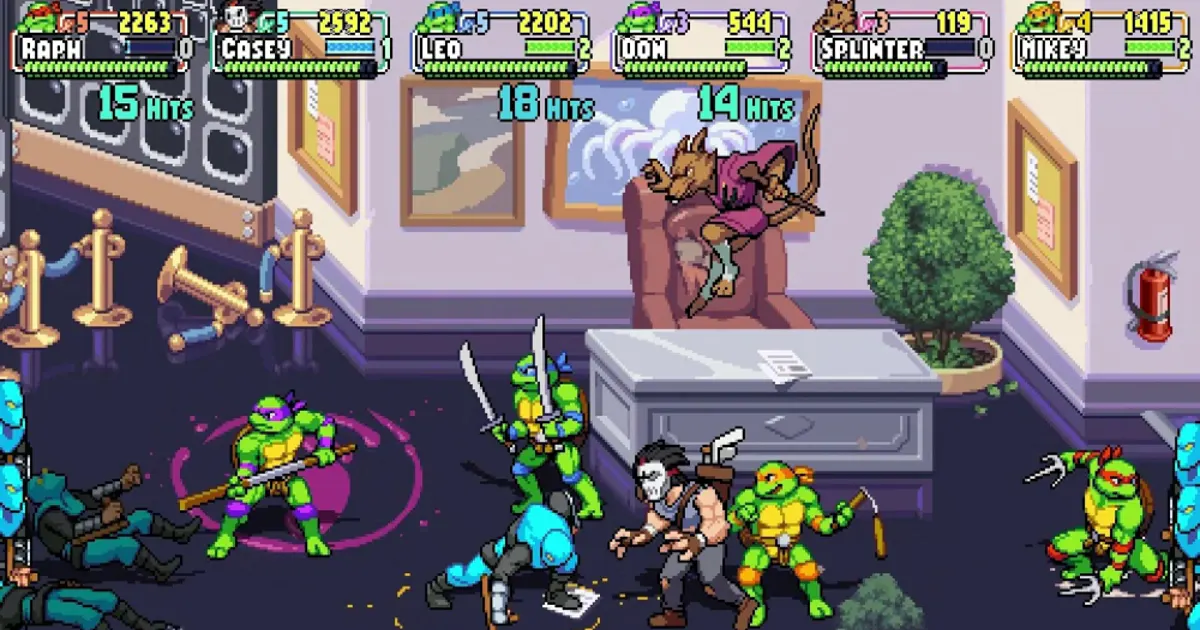
Teenage Mutant Ninja Turtles: Shredder's Revenge is a modern beat 'em up in classic arcade style. Choose your favorite Turtle and fight through enemy-packed levels together.
Everyone stays on the same screen, so teamwork means moving forward and controlling space. You can split up enemies, help each other, and combine attacks.
It's a simple, accessible option-learn the basics fast and jump straight into action.
Moving Out 2
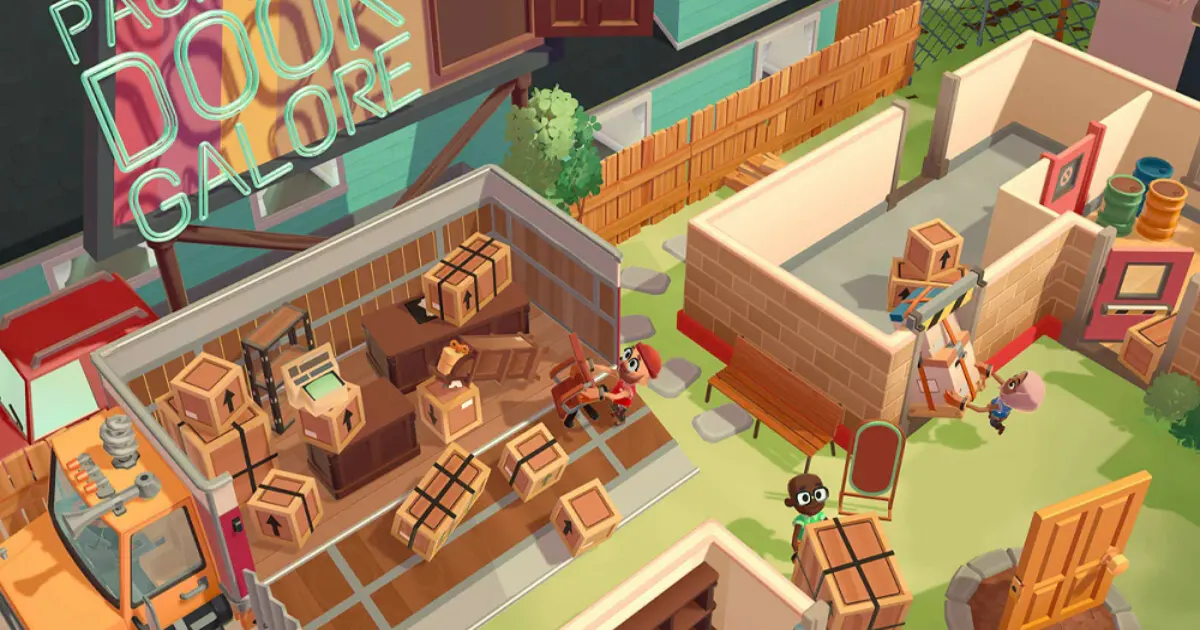
In Moving Out 2, players join a zany moving company. The main goal is to haul furniture and items out of buildings and load them into trucks.
It quickly descends into chaos: big sofas require teamwork, doors get in the way, fragile items break, and levels are designed for creative problem-solving.
The game uses a shared screen and pushes for constant cooperation-one player opens a path while the other carries something, or both grab big items together.
Moving Out 2 is ideal for those who love Overcooked! but want a new theme and more hands-on action.
Castle Crashers
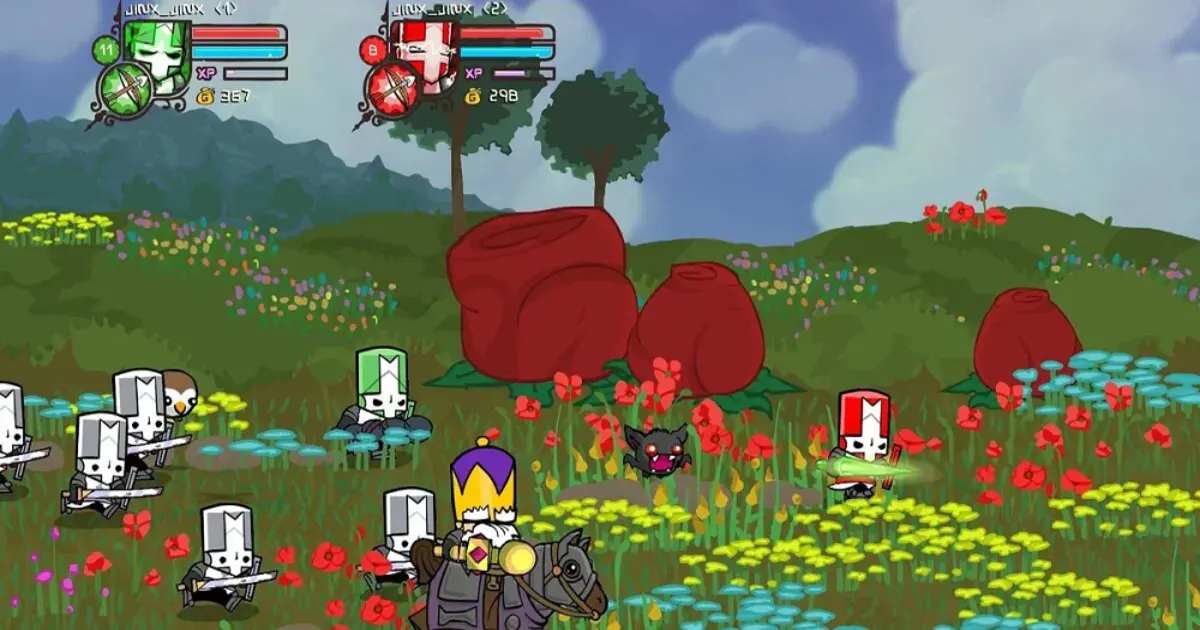
Castle Crashers is a classic arcade beat 'em up with character progression. Players move through levels, fight groups of enemies, defeat bosses, and unlock new abilities.
Each hero can develop stats and use unique magic, so you can customize your approach over time.
The shared screen fits the genre: the team almost always moves in the same direction, and enemies are naturally split between players.
Castle Crashers is perfect for those who want a classic local co-op without complex stories or long tutorials.
Vampire Survivors
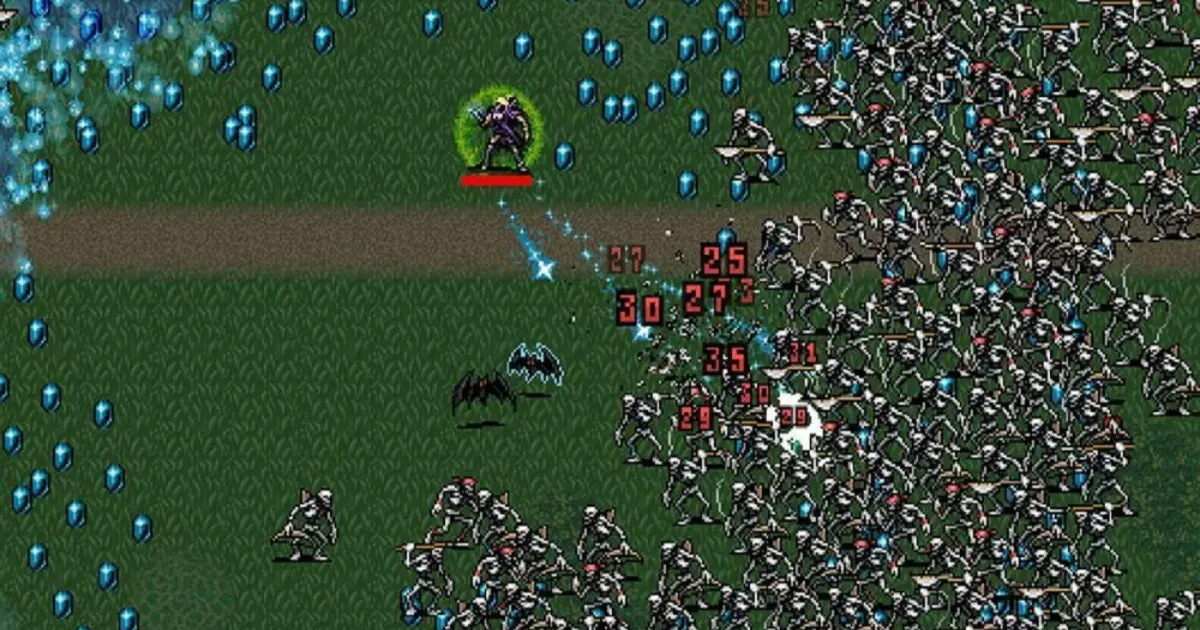
Vampire Survivors keeps things simple but works great as a two-player local game. Both players roam the map, auto-attacking enemies, and collecting upgrades.
The main feature: hordes of enemies that keep growing. Players must position carefully and avoid getting each other trapped.
With auto-attacks, controls are very simple-making it easy for anyone to join in.
Vampire Survivors is great for quick, no-prep sessions with non-stop action.
Sackboy: A Big Adventure
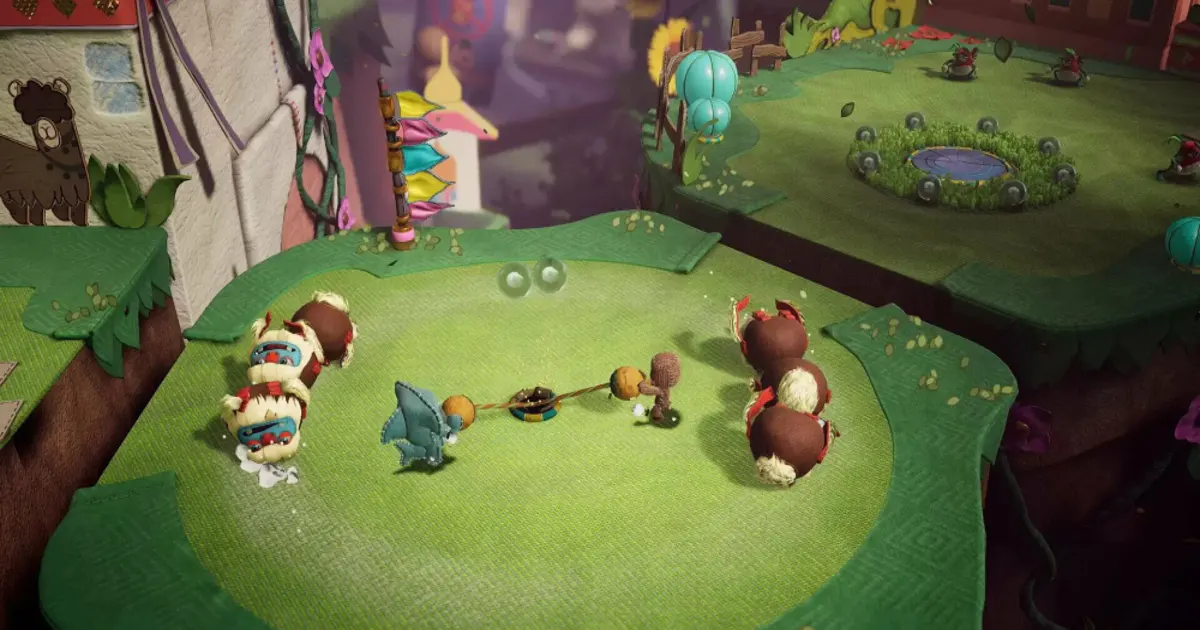
Sackboy: A Big Adventure is a vibrant 3D platformer made for co-op. Players explore, collect items, overcome obstacles, and solve simple puzzles together.
Some sections are designed for multiple players and require synchronized actions, but most of the game is accessible even without perfect coordination.
The shared screen is convenient for one monitor or TV, and intuitive controls make it easy to add a second player quickly.
Sackboy is great for relaxed play and especially suited for couples or families who don't want intense action.
If you want even more options for co-op play, check out our dedicated list: Top 5 Best Co-op PC Games to Play With Friends in 2025.
Which Two-Player Game Should You Choose?
Even among great co-op games, the experience varies widely. Some titles are built for long, story-driven campaigns; others are better for a couple of quick matches in the evening. So choose by genre and by how you want to spend your time together.
- For story-driven co-op: It Takes Two and A Way Out are best. Both are designed around two players, with co-op affecting not just controls but level design. For a bigger adventure with exploration, dialogue, and character growth, consider Baldur's Gate 3.
- For couples: It Takes Two, Unravel Two, and Stardew Valley are great picks. It Takes Two pushes interaction and role-switching; Unravel Two is more about gentle puzzles; Stardew Valley lets you build a farm together without always sticking side by side.
- For a fun night with friends: Overcooked! 2, Moving Out 2, and Human: Fall Flat shine. Most memorable moments come from mistakes-missed ingredients, dropped sofas, or knocking your partner off a platform. The basics are easy to learn.
- For a challenge: Try Cuphead. Co-op doesn't make it a cakewalk-the bosses still demand sharp reflexes and memorization, but tackling tough sections together makes retries more fun.
- For relaxed play: Stardew Valley and Unravel Two are ideal. No pressure to compete or react instantly; you can chat and play at your own pace.
- For direct competition: DIRT 5. Instead of a shared goal, you race under equal conditions to see who's fastest-a perfect format for short sessions.
- For fast-paced action: Teenage Mutant Ninja Turtles: Shredder's Revenge or Castle Crashers. Both jump straight to combat, are easy to control, and fit a few levels in an evening.
- For platformers: Rayman Legends and Sackboy: A Big Adventure are easy to get into but offer enough variety to stay interesting for two.
A bonus with these games: you can play locally without hunting for online teammates. Just check for Local Co-op or Shared/Split Screen support and set up your controllers.
How to Play Two-Player Games on One PC: Controllers and Keyboard
For local co-op, you need not just two-player support, but also the right control setup. Most modern games work best with gamepads, though some let you mix controller and keyboard-or even share one keyboard.
Two Gamepads
Using two gamepads is the most universal solution for two-player games on one PC. Each player gets their own controller, and games can easily assign characters accordingly.
This is especially convenient for split screen, platformers, racing, and beat 'em ups. Titles like It Takes Two, A Way Out, DIRT 5, and Rayman Legends are all optimized for controllers.
Windows supports Xbox controllers and most modern PlayStation and third-party gamepads. Connect both and check that each is recognized separately before starting.
Keyboard and Gamepad
You don't always need two controllers. Some games let one player use keyboard and mouse while the other uses a gamepad-handy if you only have one controller at home.
However, not all games can split keyboard and controller inputs reliably. Sometimes using a gamepad just changes the main control method instead of adding a second player.
Check the specific game's requirements for local multiplayer before buying.
Playing on One Keyboard
This is still possible, but far less common now. Players use different key groups-like WASD for one, arrow keys for the other.
The main drawback: sharing one keyboard is physically awkward, especially in fast-paced games. Some keyboards may not handle many simultaneous key presses correctly.
So, one keyboard works best for simple arcade games. For full-featured split screen, at least one gamepad is more comfortable.
Do You Need Internet for Local Co-op?
Local co-op itself doesn't require an internet connection: both players are on one computer, and the game runs locally.
But not every game is guaranteed to work fully offline. Some may require Steam, EA app, Ubisoft Connect, or another launcher for authentication, license checks, saves, or the first launch.
If you specifically want two-player PC games without internet, be sure to test the game, check local mode, and confirm both controllers work offline before traveling or disconnecting.
What to Check Before Buying a Local Co-op Game
Even if a game looks suitable for co-op, check a few key details before buying. Online co-op doesn't always mean two people can play on the same PC.
- Look for labels like Local Co-op, Local Multiplayer, or Shared/Split Screen. These mean multiple players on one device. If it only says Online Co-op, you'll likely need a second computer.
- Check the number of local players. Some games support only two, others allow three or four controllers. This matters if you want to play as a group.
- Review control requirements. Some games work with keyboard plus one gamepad; others need two controllers. Check ahead to avoid problems after installation.
- See if the full campaign is playable in local co-op. Some limit co-op to certain modes or arenas, while the main story stays single-player.
- For Split Screen, consider screen size. Dividing the display can make things cramped on a laptop, but this is less of an issue on a large monitor or TV.
- If you want offline play, test the game in offline mode-some titles need a launcher or internet connection for the first run.
Choose games where the co-op format fits your needs: Split Screen for independent movement, shared screen for fast-paced platformers and arcades, and full Local Co-op for playing a campaign together.
Conclusion
Two-player games on one PC remain one of the most convenient ways to play together-no need for a second computer, console, or online session. Just pick a title with Local Co-op or Shared/Split Screen and set up your controllers.
For full split screen, consider It Takes Two, A Way Out, Baldur's Gate 3, Stardew Valley, and DIRT 5. These let each player roam and act independently.
For shared screen games, Overcooked! 2, Cuphead, Unravel Two, Rayman Legends, Castle Crashers, and Teenage Mutant Ninja Turtles: Shredder's Revenge are great for quick sessions and playing on one monitor or TV.
Before buying, check for local multiplayer support, the number of players, controller requirements, and whether the main mode can be played together. Then just connect your controllers, pick a game, and enjoy playing together-no second PC needed!
Tags:
Similar Articles